

7 Best Free Slack Standup Bots in 2026
Every engineering team running daily standups in Slack hits the same wall. The 9am Zoom turns into a status-relay tax on managers. Async written updates drift away from Jira reality. And the standup-only tool you adopted last year forces you to stack a second subscription for retros, a third for planning poker, and a fourth for scheduled Jira reports.
We tested seven free Slack standup bots in 2026 to see which ones actually solve this for engineering teams, and which only solve a slice. This piece covers what each tool ships in its free tier, where it falls short, and which is the right pick by team profile.
What is a Slack standup bot?
A Slack standup bot collects async written updates from a team at a scheduled time, posts them in a shared channel, and (in the better implementations) attaches activity context from the tools the team actually works in. Instead of pulling six engineers into a 9am Zoom across three time zones, the bot asks each engineer the same three questions in Slack, waits for their answers, and assembles a single readable report.
Engineering teams adopt them for four reasons. Distributed teams across time zones can't agree on a sync meeting time without making someone miserable. Async-first cultures want the work in writing, searchable later. Managers want to stop being a status relay between leadership and the team. And ICs want to stop sitting through 30-minute meetings where they listen to updates they don't need.
What separates a basic standup bot from one engineering teams actually keep past month three: depth of integration with the project tracker (does the bot let participants update Jira tickets from the standup itself, or just notify), AI summarization that extracts blockers and action items from written responses (not just a transcript), and whether the bot stays useful when the team scales past 10 people and the use case grows beyond standups into retros, planning poker, and scheduled reports.
The criteria below are how we evaluated each tool against those questions.
What to look for when evaluating Slack standup bots
Seven criteria worth weighing before you install anything. The order matters; the first three are usually what determines whether the tool earns a place in the team's daily workflow.
Free tier scope. Is the free tier permanent or a 14-day trial in disguise? How many users does it cover? Are core features (AI summaries, integrations, scheduled delivery) gated behind paid plans? A free tier capped at 10 users with AI gated to Pro is functionally a trial.
Jira (or tracker) depth. Does the bot just notify the channel when a Jira issue changes, or can participants update tickets from inside the standup itself? Bidirectional sync, where a Slack thread becomes Jira comments and Jira updates flow back into the channel, is the hardest feature to build well and the one that separates a Slack-Jira coordination tool from a Slack notifier. A standup bot can only report what the board knows, so these Jira best practices are worth setting up first.
AI summary quality. Does the bot use AI to extract blockers, themes, and action items from the written responses, or does it just post a chronological transcript? For teams of 8+, the difference between a 20-line summary and a 200-line transcript is the difference between leadership reading the report and skipping it.
Async vs sync model. Is the tool built for async written updates posted to Slack, or does it transcribe synchronous meetings on Zoom or Google Meet? Both can be useful, but they solve different problems. Mixing them up is the most common buyer mistake in this category. If you're moving the team to written updates, our guide to running an async standup covers the format, a template, and why most of them fade.
Time zone handling. Distributed teams need standups that run at each participant's local time, not the manager's. Multi-timezone support should be table stakes; surprisingly often it isn't.
Beyond standups. Retros, planning poker, scheduled reports, nudges for stale issues. Does one tool cover three or four jobs, or are you stacking three subscriptions? The math gets ugly fast at $3-5 per user per tool across multiple tools.
Security posture. SOC 2 Type II, ISO 27001, GDPR, OAuth, project-tracker permission inheritance. For any team past 50 engineers, the security review is a gating step. For Enterprise buyers, on-premise deployment options matter.
The 7 best free Slack standup bots in 2026
1. Troopr
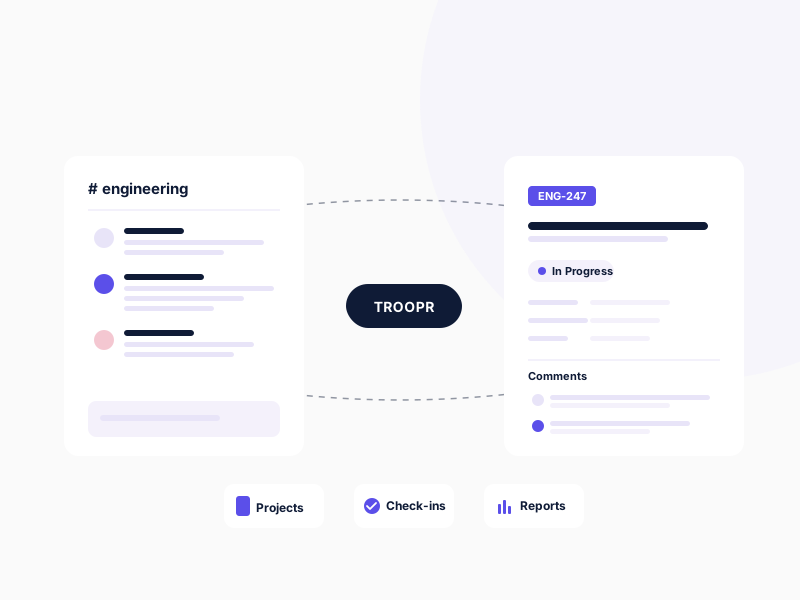
Troopr is the AI project management agent for engineering teams. It's the only tool on this list whose free tier includes async standups, bidirectional Jira issue management, and scheduled Jira reports as three modules in one app. Troopr writes each person's standup from their real Jira, GitHub, and chat activity rather than asking them to type it, with live Jira context attached to each response, AI executive summaries that extract blockers and action items, and the same install handling retros, planning poker, and scheduled sprint reports without a second subscription. Snowflake's engineering team eliminated ~86% of its weekly status-meeting time after switching.
Free tier limits: 10 seats, 3 synced channels, 3 routines, unlimited teams and check-ins, and every feature: Projects, Check-ins, Routines, Ask Troopr, the standup that writes itself, Task It AI issue creation, and bidirectional Slack-Jira sync. Passive readers are free forever. Permanent, no credit card. See Troopr pricing for the full breakdown.
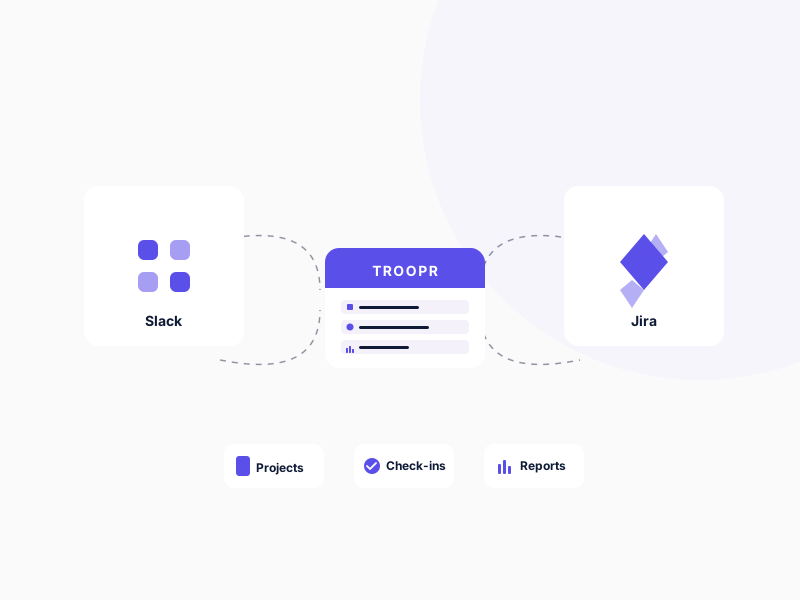
Paid starting price: Standard at $6 per seat/month billed annually, $8 billed monthly. Everything included.
Pros
- Runs in Slack and Microsoft Teams, with standups, routines, and proposals delivered into team channels on both
- Three jobs in one Free tier: standups, retros, and scheduled Jira reports, instead of stacking three subscriptions
- Bidirectional channel sync between Slack threads and Jira comments; standup participants update tickets without leaving Slack
- SOC 2 Type II, ISO 27001, GDPR, OAuth with Jira permission inheritance; on-premise Docker available for Enterprise behind-the-firewall Jira
Ideal for: Engineering teams working in Slack or Microsoft Teams, tracking work in Jira, that want standups, retros, and scheduled reports in one app without stacking subscriptions.
2. Geekbot
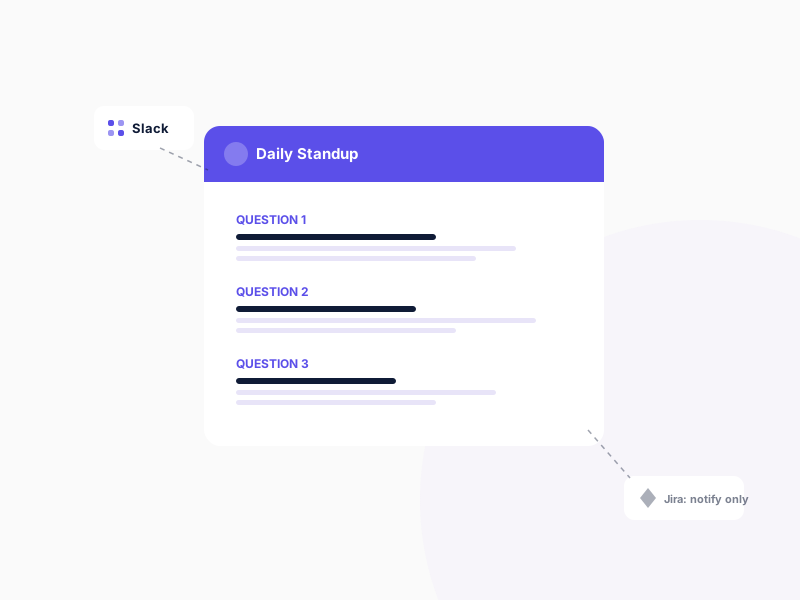
Geekbot is a dedicated async standup bot for Slack and Microsoft Teams, used by more than 200,000 people. It supports Slack and Microsoft Teams, runs async standups across time zones cleanly, and posts responses to a shared channel with light formatting. Its Jira integration sits on the Enterprise plan, so teams on Starter or Basic run standups with no ticket context, and participants can't update tickets from inside the standup. For teams that track work in Jira, Geekbot's missing Jira depth is the blocker.
Free tier limits: Starter plan, free for teams of up to 10 users, with unlimited standups and reports.
Paid starting price: Basic at $2.50 per participant/month billed annually ($3 monthly). Polls and surveys are billed separately. Jira integration requires the Enterprise plan (custom pricing).
Pros
- Async standups at each participant's local time
- Supports Slack and Microsoft Teams
- Retrospective and well-being templates alongside standups
Cons
- Jira integration is Enterprise-only; no bidirectional sync on Starter or Basic
- No scheduled Jira reports in Slack; those need a second tool
3. DailyBot
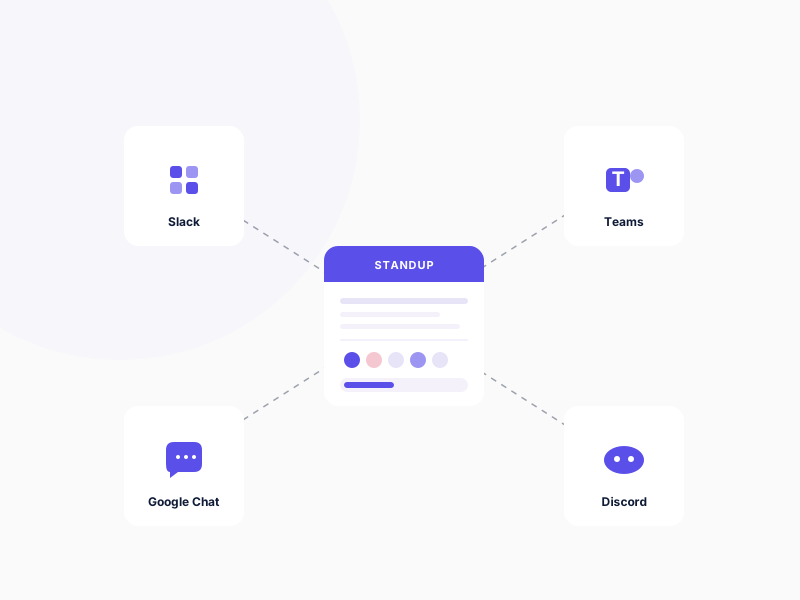
DailyBot is breadth-first across both chat platforms and feature categories. It runs on Slack, Microsoft Teams, Google Chat, and Discord. Beyond standups, it bundles kudos, mood tracking, watercooler features, and recently added an AI coding-agent integration that captures activity from Cursor, Claude Code, and similar tools. SOC 2 certified. Its Jira integration is lighter than Troopr's; the tool is positioned more as engagement-plus-standups for general teams than a Slack-Jira coordination layer for engineering.
Free tier limits: Starter plan, free with unlimited members, up to 50 compiled check-in reports per month and 14 days of history. Integrations, including Jira, start on Advanced.
Paid starting price: Essentials at $2.40 per active user/month, adding AI summaries. Advanced at $5 per active user/month, adding the Jira connector and API. Annual billing is discounted.
Pros
- Runs on Slack, Teams, Google Chat, and Discord
- Culture features (kudos, mood, watercooler) bundled with standups
- Reports activity from AI coding agents such as Cursor and Claude Code
Cons
- Jira connector only on Advanced; no bidirectional channel sync
- Breadth-first design means depth on any single workflow is shallower than specialized tools
4. Spinach AI
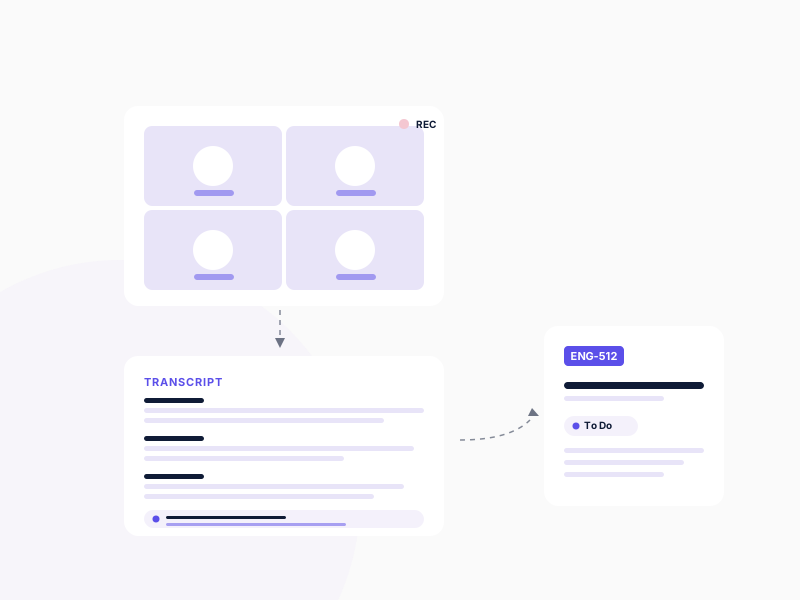
Spinach AI operates on a fundamentally different model from the rest of this list. It joins synchronous Zoom and Google Meet calls, transcribes the conversation, generates structured summaries by meeting type (daily standup, sprint planning, backlog refinement, retrospective), and pushes decisions and action items to Slack and Confluence. It can create Jira tickets from spoken commitments during the call. It does not help teams trying to replace the synchronous standup with async updates, because everything it produces depends on the call happening. Listed on Atlassian Marketplace.
Free tier limits: Starter plan, free with meeting recording and transcription; Jira and project integrations are not included.
Paid starting price: Pro at $2.90 per meeting hour. Business at $19/user/month billed annually.
Pros
- Transcription and summaries organized by meeting type
- Generates Jira tickets from spoken commitments mid-call
Cons
- Sync-only by design; doesn't help teams trying to move to async written standups
- Requires the team to keep the Zoom or Meet call on the calendar
5. Standuply
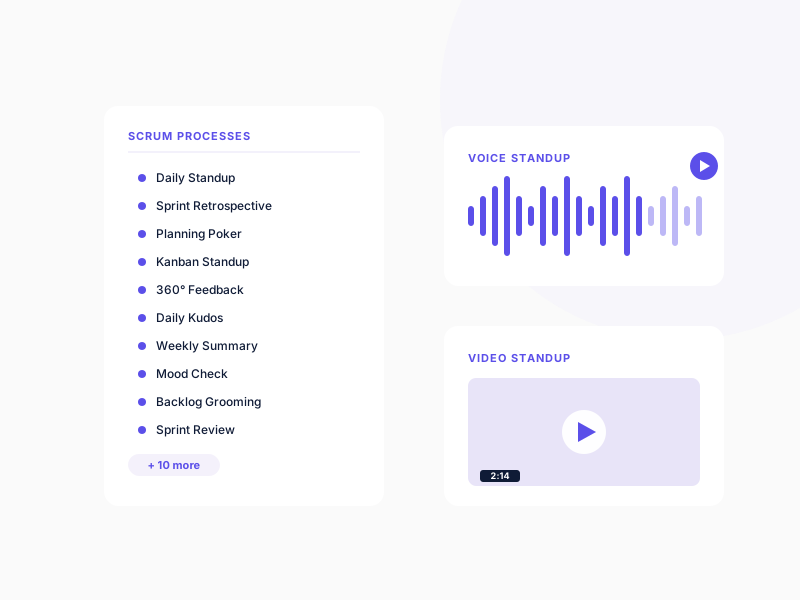
Standuply markets itself as a virtual agile development assistant with 20+ scrum processes. Daily standups, retros, planning poker, kanban standups, 360 feedback, daily kudos, weekly summaries are all configurable. Supports Slack and Microsoft Teams. It also records voice and video standups. Jira integration exports task data one-way (Standuply → Jira); there's no continuous bidirectional sync.
Free tier limits: Starter plan, free for 3 respondents.
Paid starting price: Team plan from $1.50/user/month.
Pros
- 20+ configurable scrum processes
- Voice and video standup recording
- Slack and Microsoft Teams support
Cons
- Jira integration is one-way export only; no bidirectional sync
6. Range
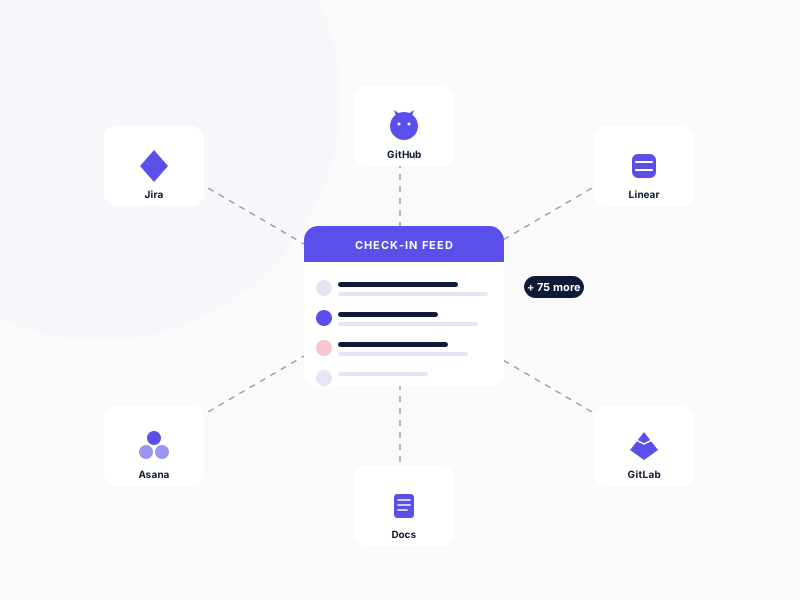
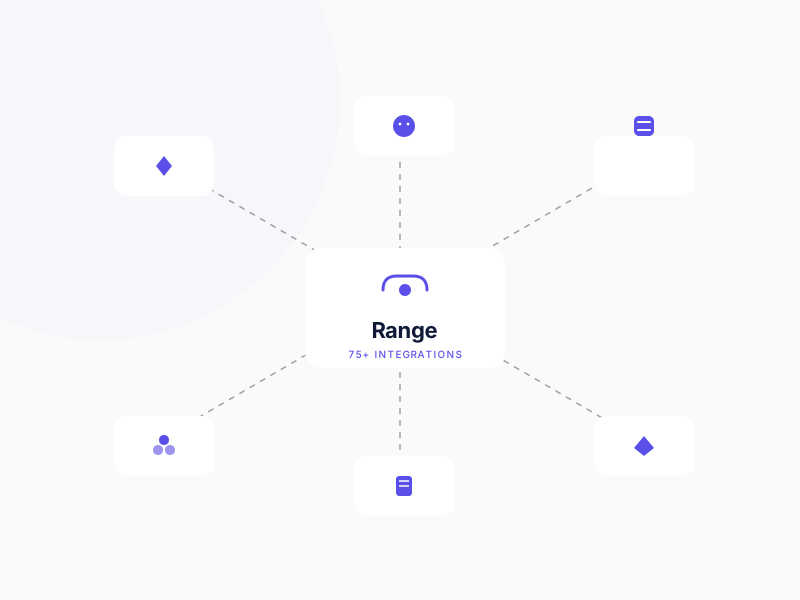
Range is a check-in and goals product with shallow integrations into 75+ tools. It pulls activity signals from Jira, Asana, Trello, GitHub, GitLab, Linear, Google Docs, and dozens of others into a unified check-in feed. Available on Slack and Microsoft Teams. It also includes goals tracking. The trade-off: integrations are broad but shallow. Range doesn't manage Jira issues from Slack, doesn't have scheduled Jira reports with action buttons, and doesn't provide nudges.
Free tier limits: Up to 12 people across 2 teams.
Paid starting price: Pro at $8 per team member/month.
Pros
- 75+ integrations across project management, code, and productivity tools
- Goals tracking alongside check-ins
Cons
- Integrations are read-only; no bidirectional sync, no Jira issue updates from inside Slack
- Breadth comes at the cost of depth on any single tool
7. Polly
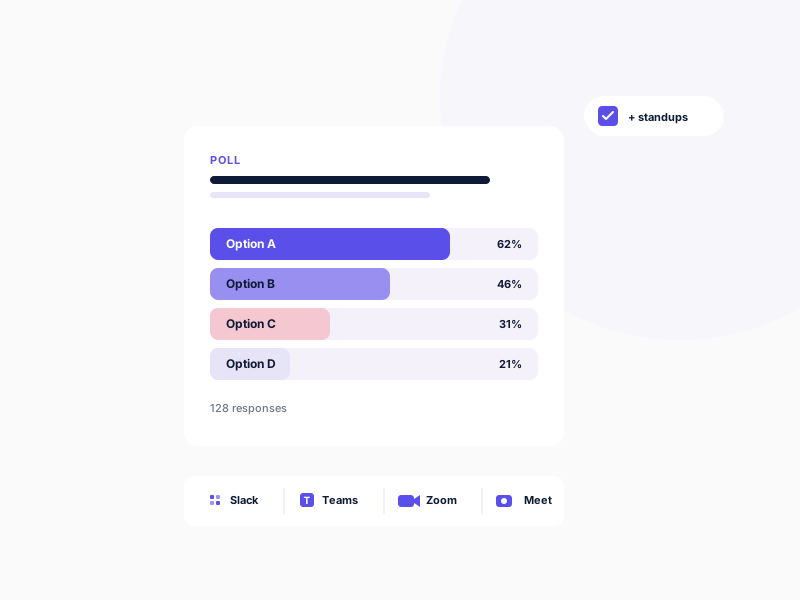
Polly is a polling and survey platform purpose-built for Slack, Microsoft Teams, Zoom, and Google Meet. The company reports 20 million polls sent and 1 million monthly active users. Standups are a more recent addition to the product, layered on top of the polling engine as question-and-answer polling rather than a full async standup workflow. Polly doesn't pull live Jira context into standup reports, doesn't let participants update Jira issues from the standup, and doesn't provide AI summaries of blockers. For teams that want a real standup workflow, it's underbuilt.
Free tier limits: Free plan covers polls only; standups are not included.
Paid starting price: Basic at $19/month per license, billed annually ($228), which adds standups, surveys and scheduling.
Pros
- Polling and surveys across Slack, Teams, Zoom, and Google Meet
- Live engagement features (Q&A, word clouds, trivia) for meetings
Cons
- Standup workflow is shallow; no Jira context, no AI summaries, no retros
- Standups are not available on the free plan
Feature Comparison
| Feature | Troopr | Geekbot | DailyBot | Spinach | Standuply | Range | Polly |
|---|---|---|---|---|---|---|---|
| Async Standups | |||||||
| Standup Written From Real Activity | |||||||
| Bidirectional Jira Sync | |||||||
| Jira Integration on the Free Plan | |||||||
| Scheduled Jira Reports | |||||||
| Free Plan | 10 seats | 10 users | 50 reports/mo | Meetings only | 3 respondents | 12 users | No standups |
| Slack Support |
Read the matrix as a snapshot, not a verdict. The "Bidirectional Jira Sync" column is the single most consequential cell for engineering teams running Jira; it's also the column where most of these tools are honestly marked No. The "Scheduled Jira Reports" row decides whether you'll need a second subscription within six months.
How we tested
We installed each tool on a 5-person Slack workspace with Jira Cloud connected and ran a structured 5-day evaluation in early 2026.
Setup phase. Connected each tool's Slack app, completed first-time configuration, connected the Jira instance where applicable, and configured a daily standup with three questions: what did you ship yesterday, what are you working on today, any blockers.
Daily standup test. Ran 5 consecutive daily standups with the team. Measured setup time, response collection reliability, time zone handling for participants in three locations (PT, ET, IST), and report readability for an external reader (an engineering lead not in the standup).
Jira integration depth. For each tool, tested whether a participant mentioning a blocker on a Jira issue could update that issue from inside the standup, attach the standup response as a Jira comment, or transition status without leaving Slack. Most could not.
AI summary quality. Where AI summaries were available, evaluated whether the summary extracted blockers, themes, and action items as structured output, or just produced a condensed transcript.
Beyond standups. Attempted to schedule a sprint report, run a retrospective, and configure a nudge for stale Jira issues. Noted which tools required a separate subscription or workflow.
Pricing and plan details verified against each vendor's own pricing page on October 4, 2026.
Getting started with Troopr
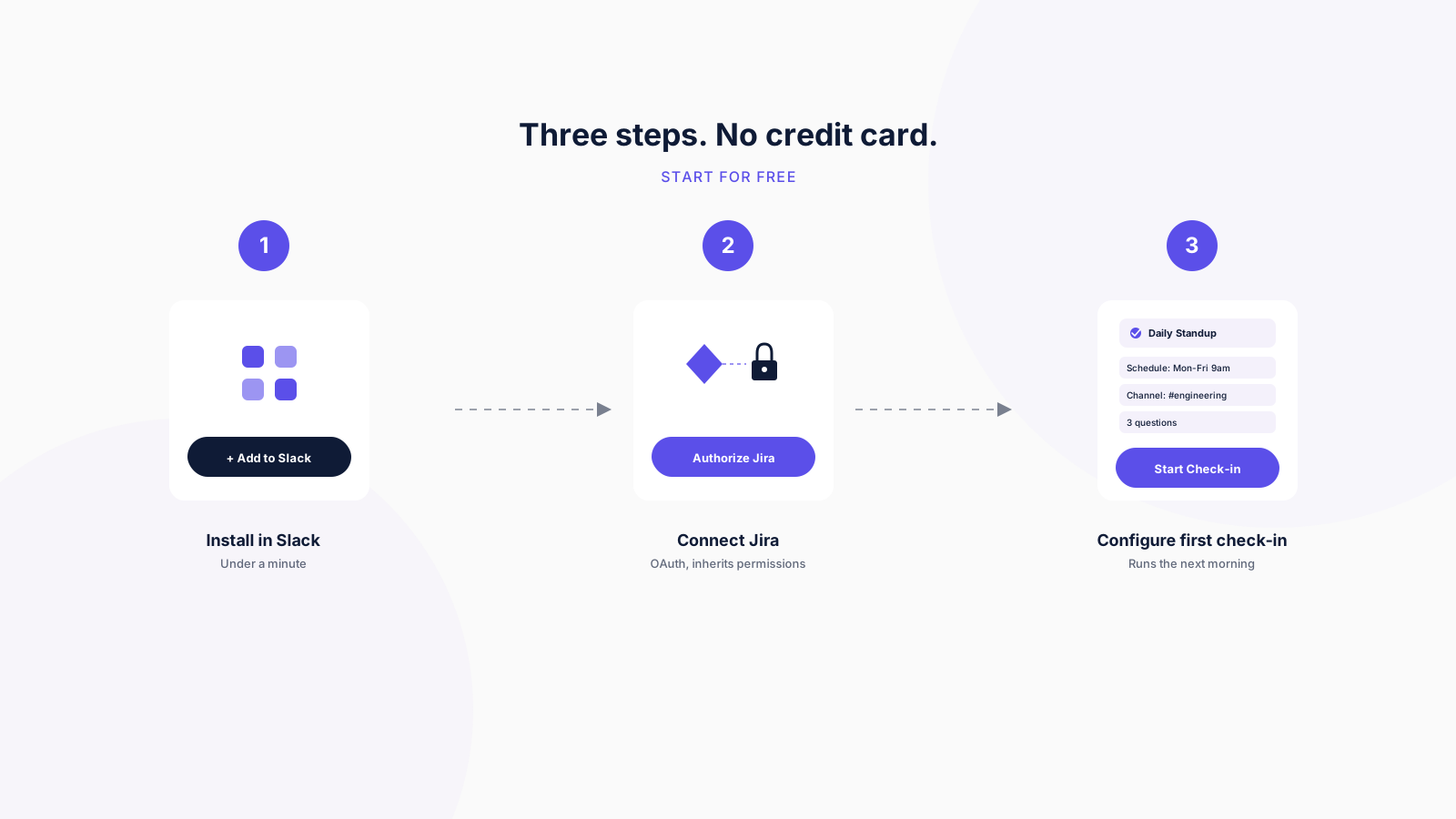
Troopr's free tier is the broadest on this list for engineering teams running Jira. Setup is three steps:
- Install Troopr. Add Troopr to your Slack workspace from the Slack App Directory or the Atlassian Marketplace, or to Microsoft Teams. Takes under a minute.
- Connect Jira. OAuth-based authorization; Troopr inherits Jira project, issue-type, and field-level permissions. Works with Jira Cloud, Jira Server, and Jira Data Center on every plan, including Free.
- Configure your first check-in. Pick a check-in type (Automated Standup, Task check-in, Retrospective, Planning Poker, or Team Mood), choose the team channel, and set the schedule. The Automated Standup drafts each person's update from their real Jira, GitHub, and Slack activity and asks only when it cannot tell what they are working on.
The Free tier includes 10 seats, 3 synced channels, 3 routines, and every module: Projects, Check-ins, Routines, and Ask Troopr, with Task It AI issue creation, AI standup summaries, and bidirectional Slack-Jira sync. No credit card, no time limit. Past the allowance, Standard is $6 per seat/month billed annually, everything included, and everyone who only reads stays free.
👉 Start for Free. 10 seats, every feature, no credit card.
Conclusion
For engineering teams that live in Slack, track work in Jira, and want standups plus retros plus scheduled reports in one tool without stacking subscriptions, Troopr is the strongest free tier in 2026. The other six each cover a slice: Geekbot, Standuply, and DailyBot collect what people type, Spinach AI documents meetings, Range tracks goals, and Polly runs polls. Only Troopr writes the standup from what actually shipped and keeps Jira current from the same thread.
Frequently asked questions
What is the best free Slack standup bot for engineering teams?
For engineering teams running Jira on Slack who want standups, retros, and scheduled Jira reports in one tool, Troopr is the strongest free tier because all three modules ship in Free.
Can I use a Slack standup bot without Jira?
Yes. All seven tools on this list run standups in Slack without requiring a Jira connection. The difference is what happens when your team does use Jira: tools like Troopr let participants update Jira issues from inside the standup itself, while Geekbot and DailyBot put their Jira integrations on their Enterprise and Advanced plans.
How many users do free Slack standup bot tiers usually include?
Free tier limits vary widely. Standuply covers 3 respondents. Troopr and Geekbot both cover 10. Range covers 12 people across 2 teams. DailyBot's Starter plan has unlimited members but caps compiled reports at 50 a month. Polly's free plan does not include standups. For most small engineering teams, the user cap matters less than whether the free tier permanently includes the features you actually need (AI summaries, integrations, scheduled delivery) or gates them behind paid plans.


The AI project manager for engineering teams. Forms its own view of the work and does the coordination, right where your team already works.
101 Arctic Circle, Round Rock, Texas 78664, United States.